Documentation Hub
Everything you need to deploy AI project managers, configure agentic rooms, and get the most from your AI Office
Jump right in
Browse by Category
Comprehensive guides for deploying agents, configuring rooms, and using conversational intelligence
Online, in-person & bot meetings
Every way a room meets, recorded and minuted in the room
See all guidesVideo Tutorials
Watch step-by-step guides to deploy agents, set up agentic rooms, and master your AI Office
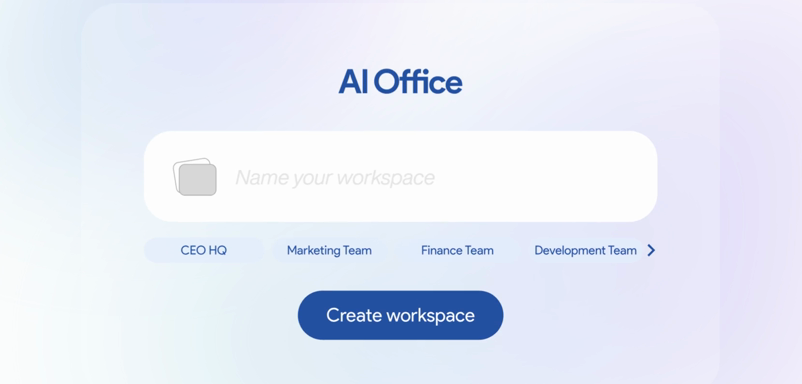
Getting Started with Your AI Office
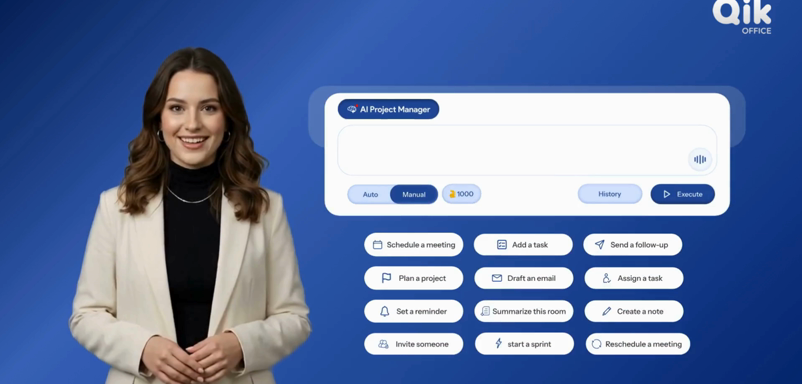
Deploying Your First AI Project Manager

Task Management via Conversational Intelligence

Setting Up Integrations
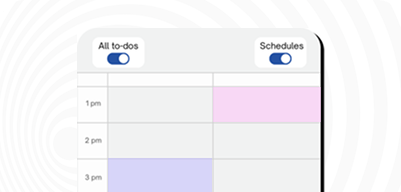
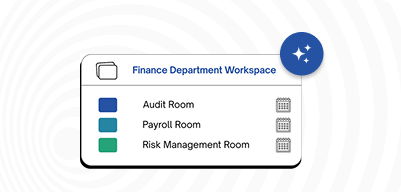
Configuring Agentic Room Scheduling
Stateful Collaboration Across Rooms
Business Intelligence Dashboards

Security Best Practices

Mobile App Masterclass
Want to be notified when new tutorials are released?
Frequently Asked Questions
Quick answers to common questions about your AI Office.
How do I get started with Qik Office?
Create an account, download the app, and follow our interactive onboarding tour to deploy your first AI project manager and configure your agentic rooms. You can also check our Getting Started Guide for detailed instructions.
Can I integrate Qik Office with my calendar?
Yes. Connect Google Calendar, Outlook / Microsoft 365 or Zoho Calendar from Synced calendars. Your events land on your schedule, and one click moves a meeting into an agentic room — where the agent can record it and write the AI minutes. See the Integrations guides for steps.
How does conversational intelligence work in Qik Office?
Conversational intelligence converts your interactions into actions automatically — transcribing room activity, generating structured artifacts, extracting tasks, and assigning work to team members. All outputs are searchable and exportable.
Is my data secure with Qik Office?
Yes. Qik Office uses enterprise-grade encryption, role-based access in every room, two-factor authentication your company can require (email code, authenticator app or passkey), company restrictions, and a 30-day restore for deleted workspaces and rooms. See Security and 2FA in the docs.
What devices and platforms are supported?
Qik Office works on Windows, Mac, Linux, iOS, and Android. We also offer a web application that works in all modern browsers.
Can I try Qik Office for free?
Yes. Prime Office and Business Office are free, with unlimited agentic rooms, AI project managers, conversational intelligence and business intelligence, plus monthly agent credits. AI Office Pro adds 10,000 credits per member for $10 a month. See the pricing page for details.
How do I invite team members to my workspace?
Open the workspace from the Office tab, use Add user to invite people by email or pick company members, and choose their role. You can also add people to a single agentic room from the room’s Users app. See Add workspace users in the docs.
Where are the step-by-step guides?
In the Qik Office docs: getting started, the company and AI Office, agentic rooms and meetings, the AI project manager, project rooms, every room app, agent workflows, automations, integrations and agent credits — each with numbered steps.
Still have questions?
Contact SupportNeed More Help?
Can't find what you're looking for? Our support team is here to help — we respond within one business day.