The deck is ready before the meeting ends
Ask the room’s agent for a deck and it writes every page from the meeting, the notes or a single sentence: the agenda, the decisions, the numbers as charts, the owners. Pick one of twelve themes or your company template, then present, share or export.
Ad
Asking the agent…
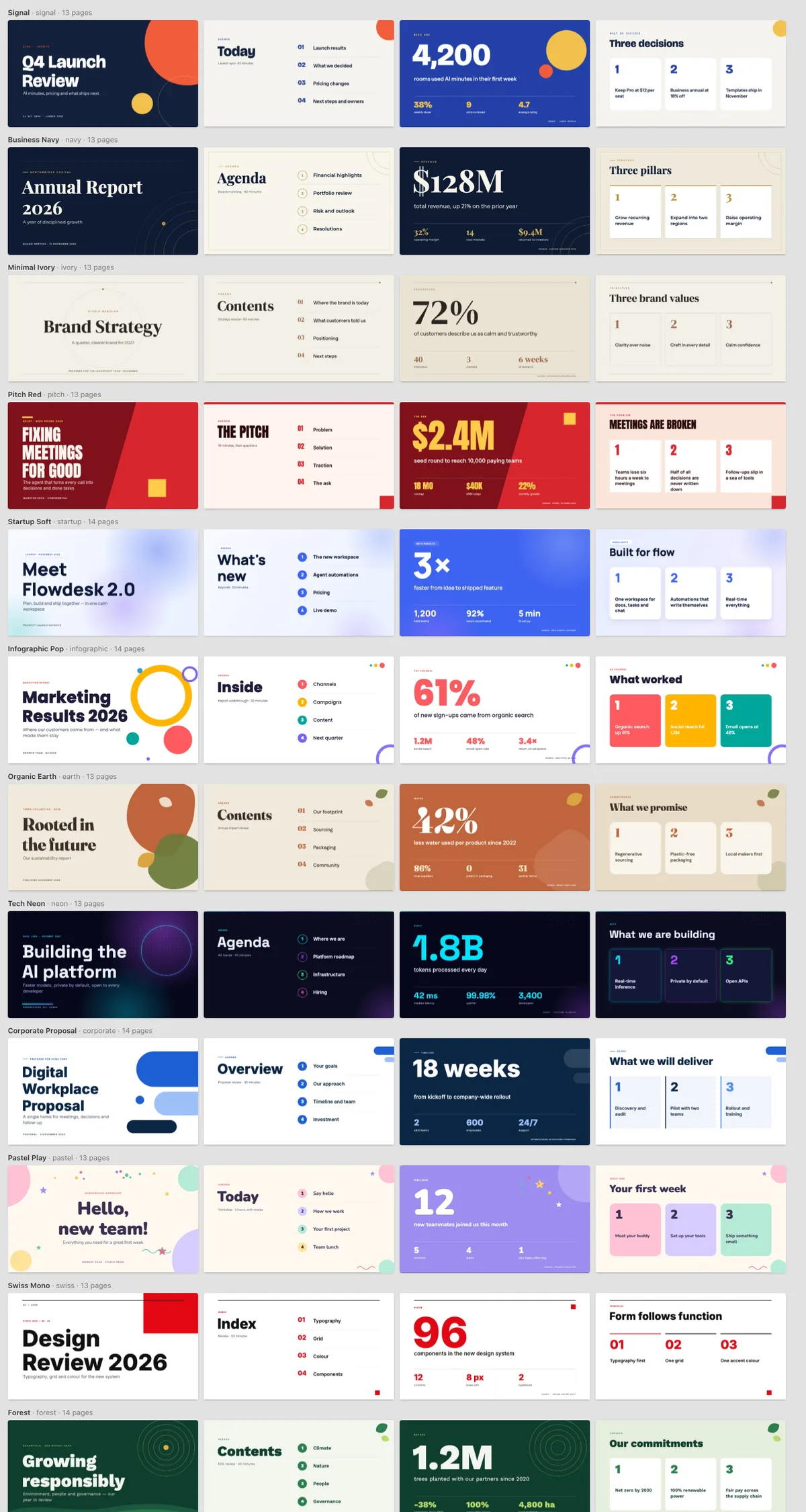
A look for every room, ready before you ask
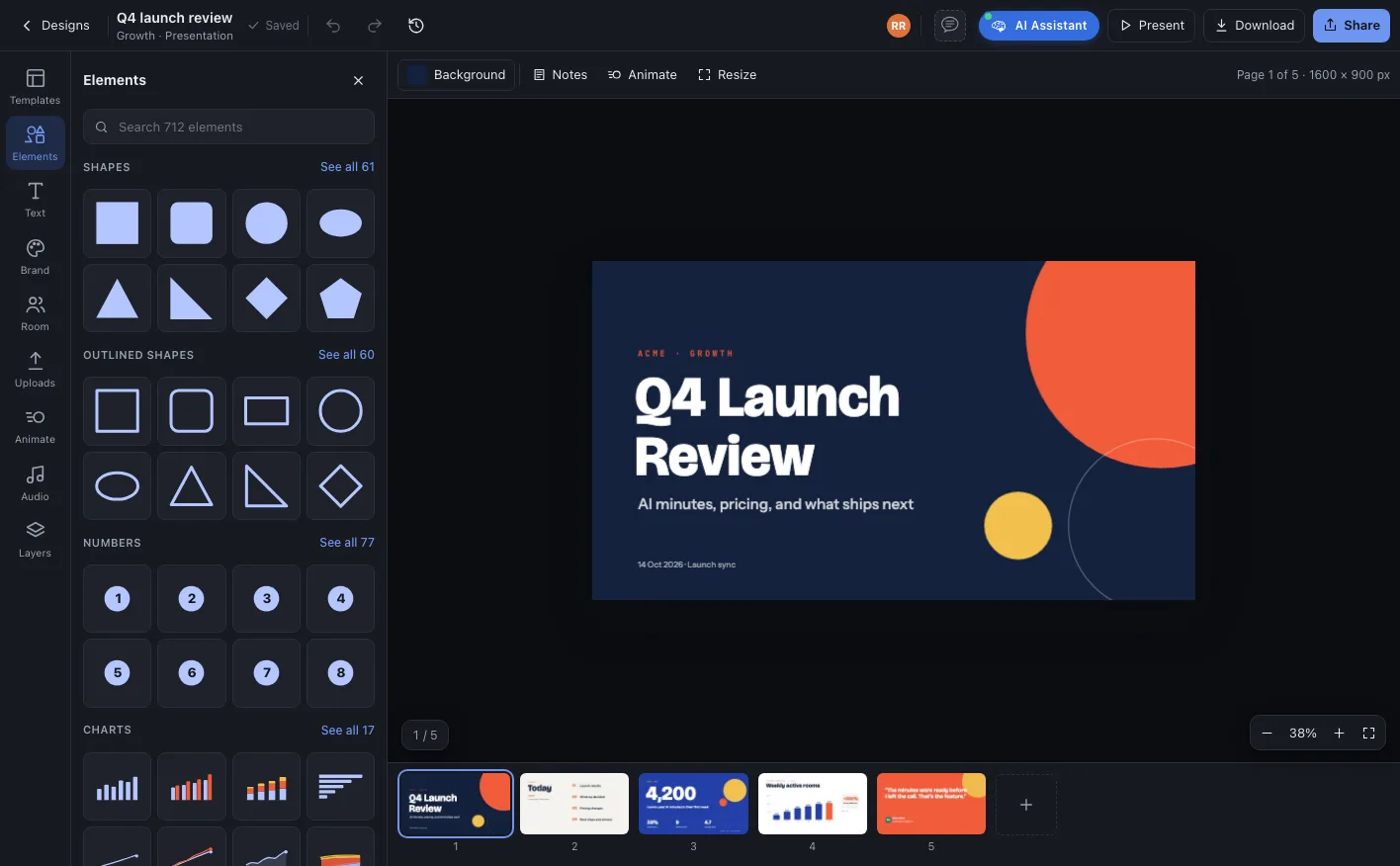
Every theme comes with thirteen or more layouts: title, agenda, big number, three ideas, charts, timeline, quote and closing. The agent picks the right layout for each page.
Or use your own: any deck can become a company template, its pages turn into layouts with slots, and rooms receive updates when a new version is published.
Change the whole look without touching the content
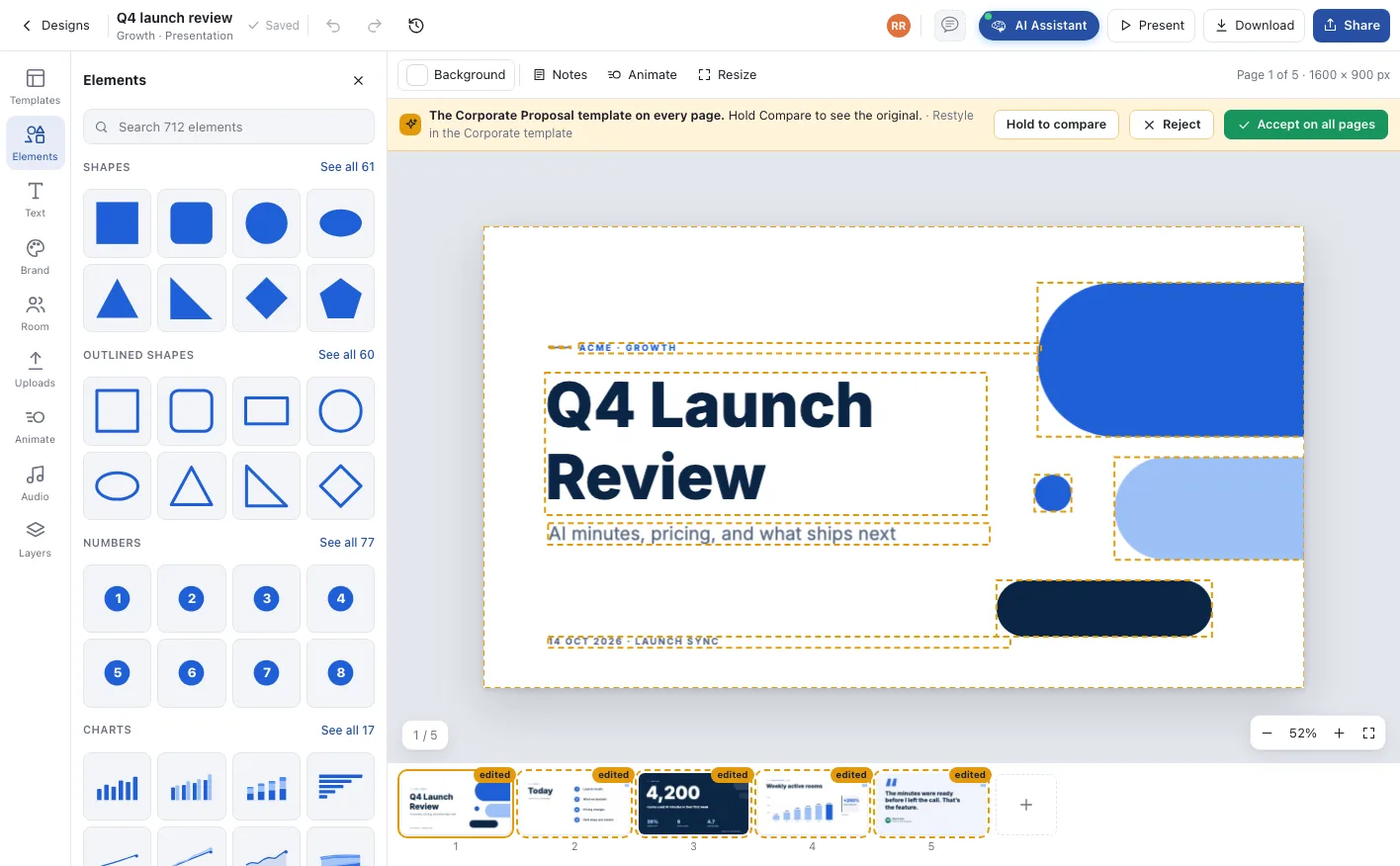
Ask the agent for another theme or your company template. Every page is restyled as a proposal, with the words, numbers and order kept exactly as they were.
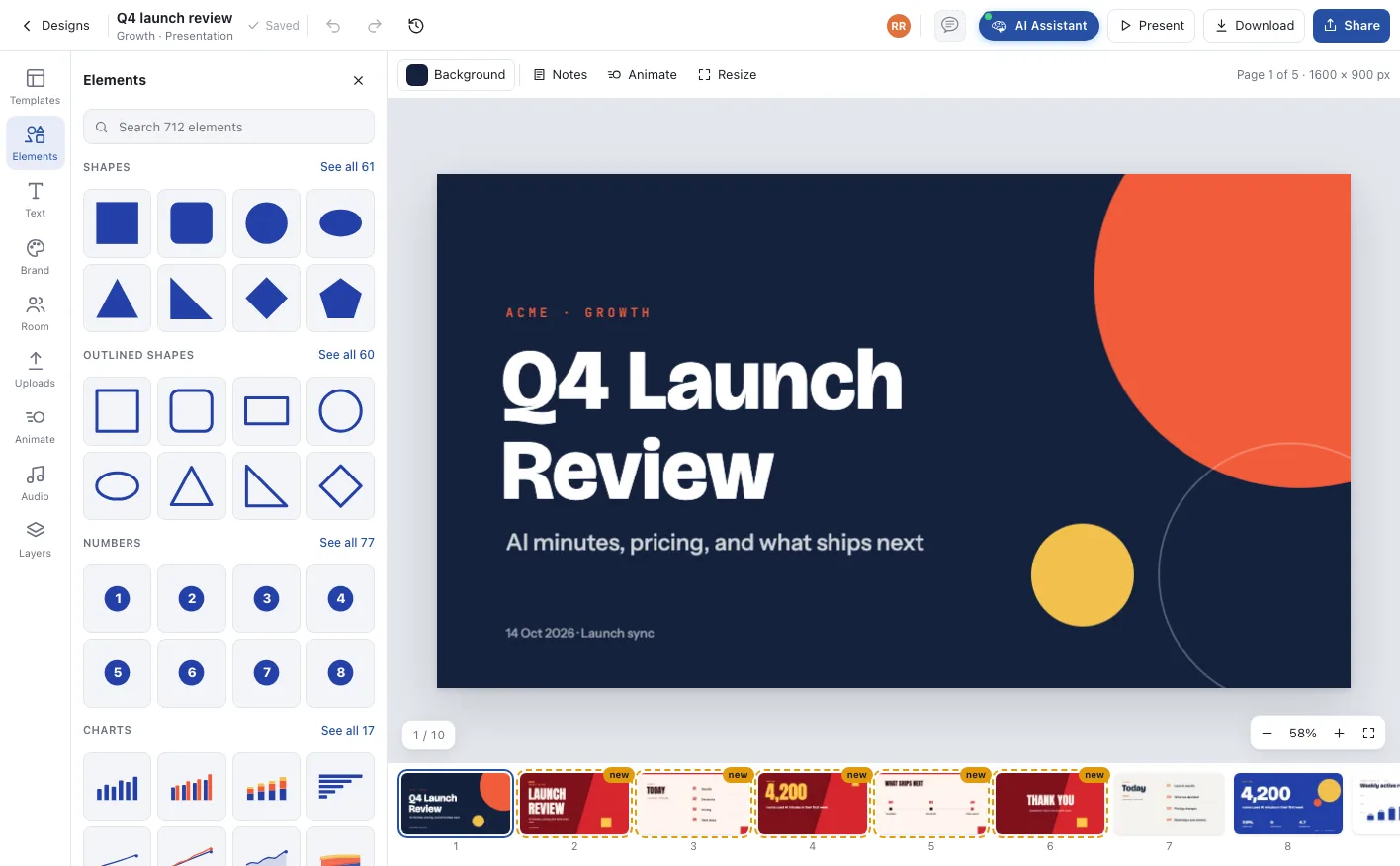
Pitch Red. Five pages added from the launch review, each marked new.
Corporate Proposal. Hold to compare, then accept on all pages or reject.
Numbers that stay numbers
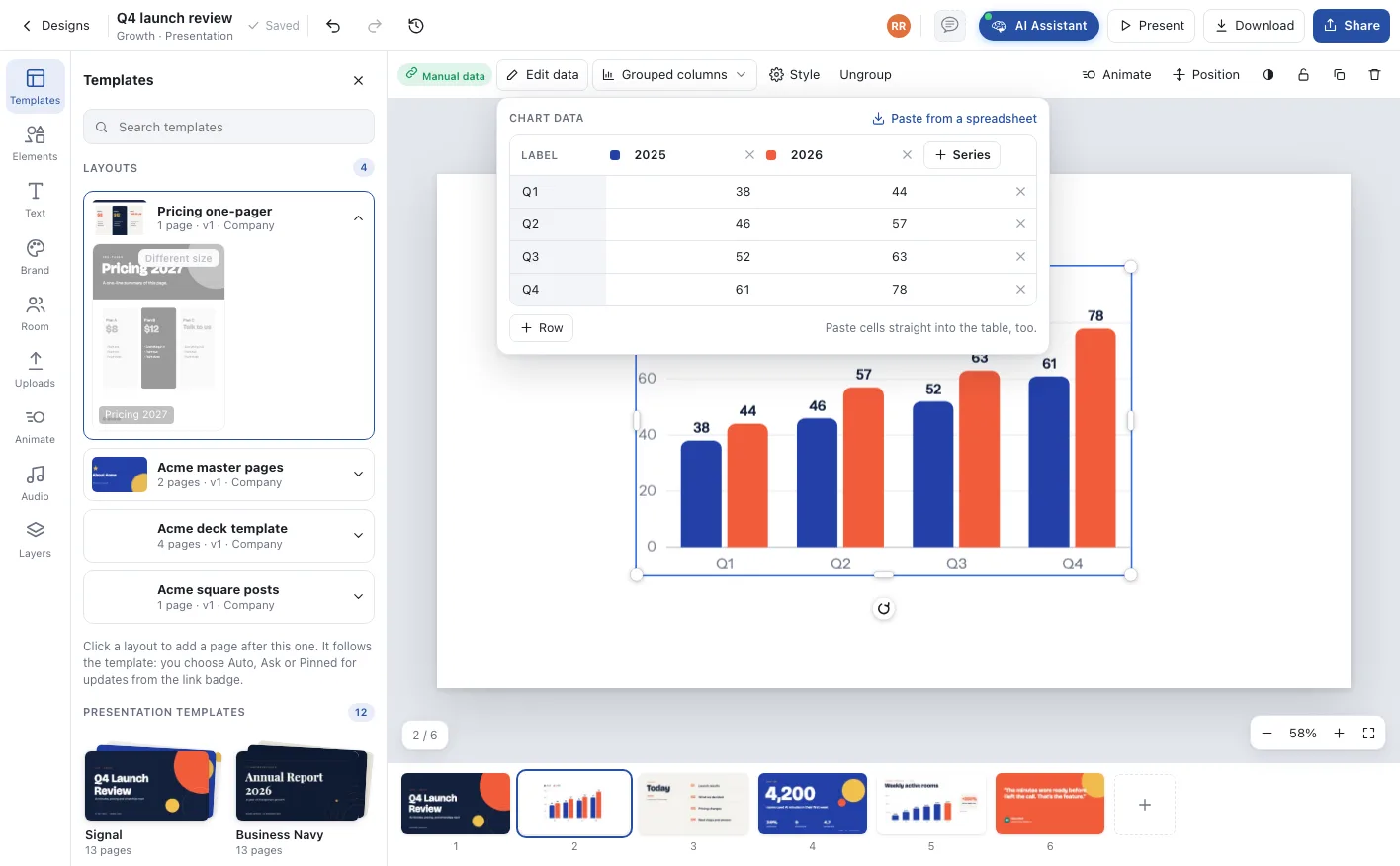
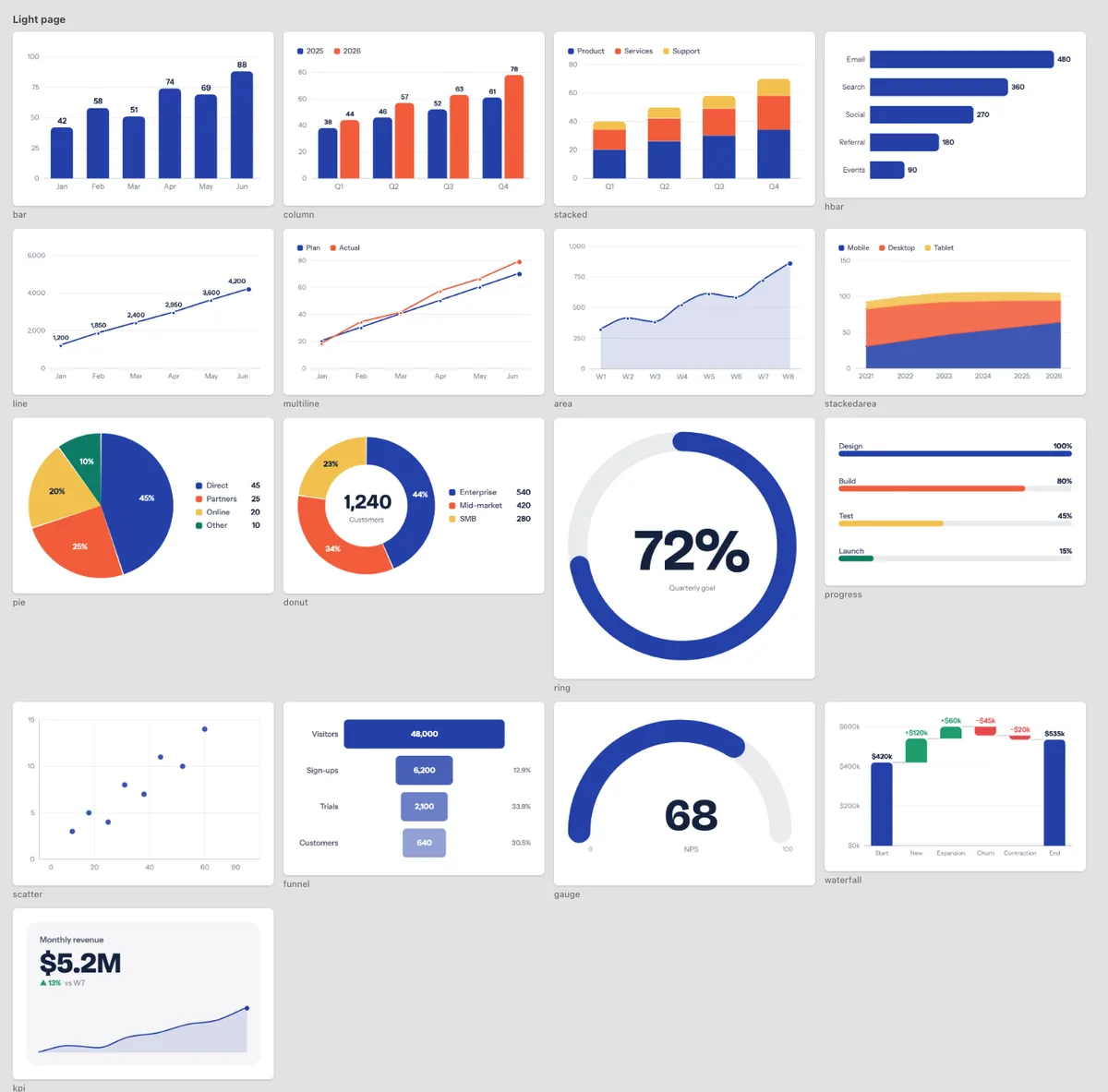
When the agent finds figures in the room, it draws them as charts with a data table behind each one. Correct a value and the chart follows.
Present the deck straight into the call
Open the Share window in an online meeting and pick the deck. Everyone sees it on the stage, drawn sharp by their own app, and turns the page when you do. No screen share, no blurry slides, no switching apps.
Q4 Launch Review
AI minutes, pricing and what ships next
Q4 Launch Review
AI minutes, pricing and what ships next
Locked: a clean presentation. Anika’s own app renders it, sharp, and follows every page and scroll.
From the room to the big screen, and to anyone outside
Present full screen with notes, autoplay and transitions. Let the company view it inside Notes, Files, chat or announcements. Send it out as PowerPoint, Google Slides or PDF.
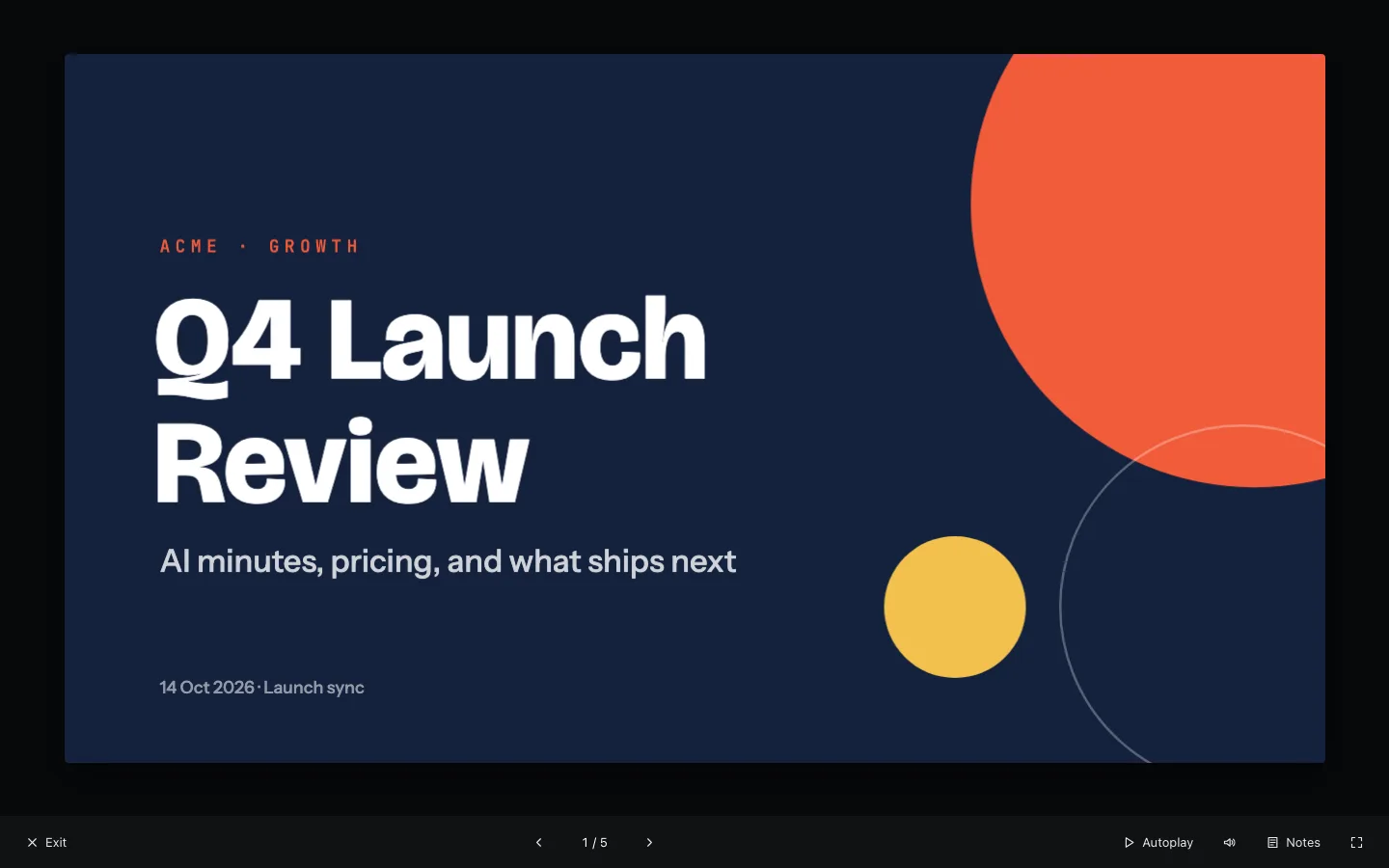
Present mode. Speaker notes, autoplay, sound and fourteen page transitions.
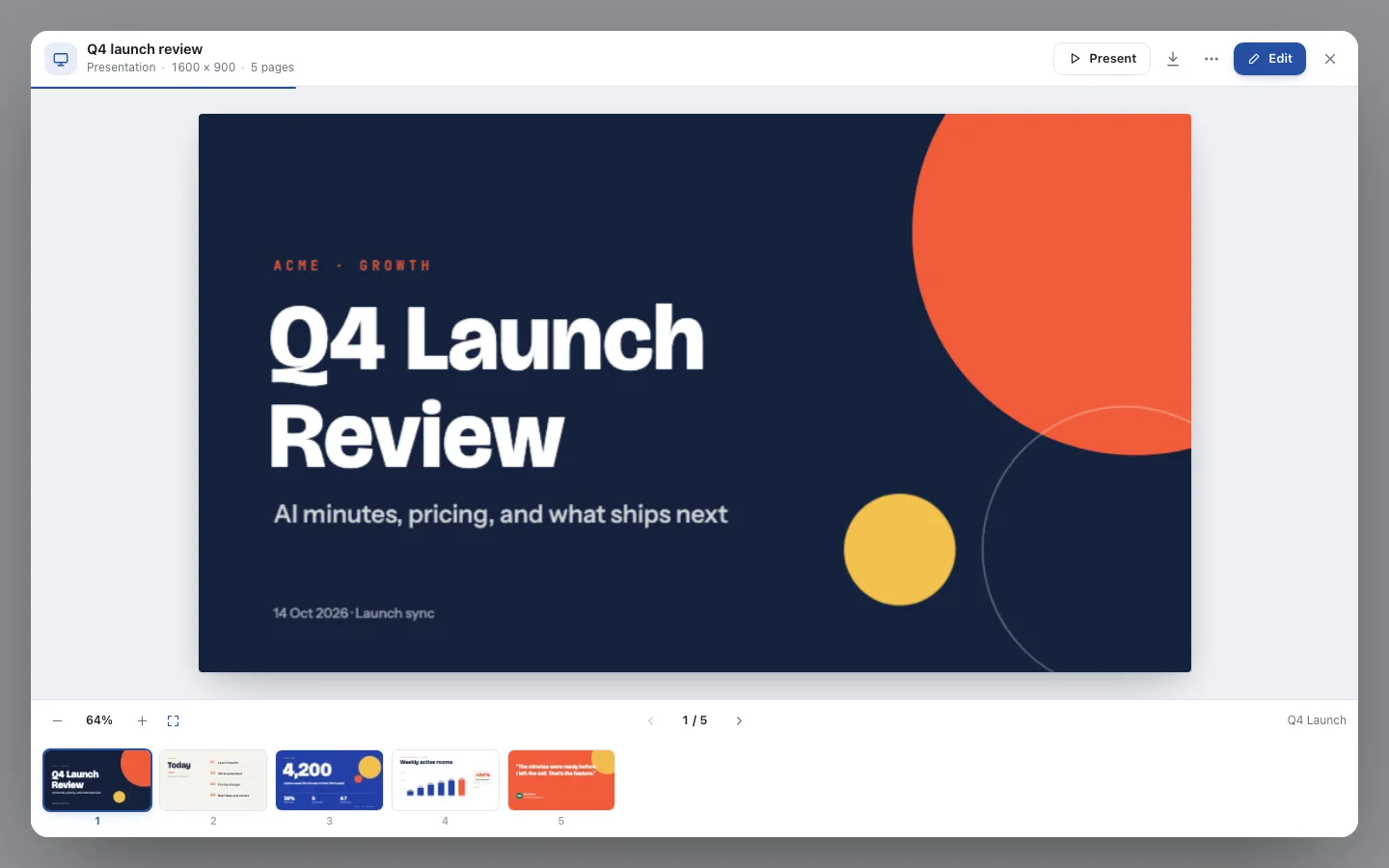
View anywhere in Qik. A read-only viewer wherever the deck is linked, with Present and Edit for those allowed.
Leave as anything
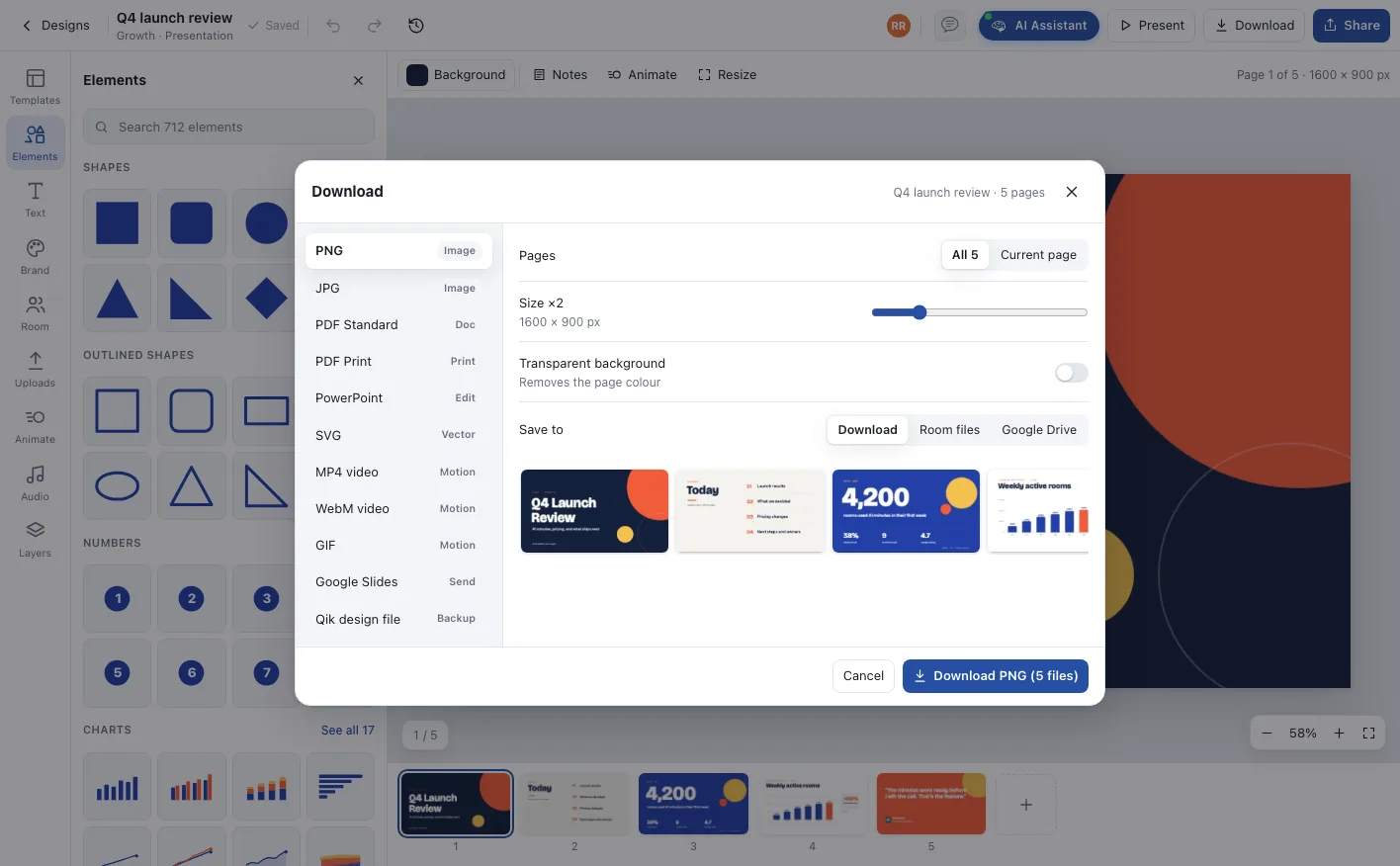
Download to your device, save to the room’s Files, or send straight to Google Drive and Google Slides.
An agent that writes decks from real work
The agent sits in the room where the work happened, so a deck starts from what was said and decided, not from a blank title slide.
- 01
From a meeting or a note
Ask for a deck from today’s minutes and the agent lays out the agenda, the decisions, the figures and the next steps as pages.
- 02
In any theme, any time
Ask for five pages in Pitch Red, or move the whole deck to the company template. The content stays; the look changes on every page.
- 03
Charts from the numbers
Figures become bar, line, donut or funnel charts with an editable data table behind each one, so a correction never means redrawing.
Everything between the first page and the last question
Write, design, present and send the deck from the same room.
Twelve themes
Signal, Business Navy, Minimal Ivory, Pitch Red, Startup Soft, Infographic Pop, Organic Earth, Tech Neon, Corporate Proposal, Pastel Play, Swiss Mono and Forest.
Company templates
Turn any deck into a company template. Its pages become layouts with slots, and rooms get updates when you publish a new version.
Live charts
Seventeen chart types, from grouped columns to waterfalls and gauges, with data you edit or paste from a spreadsheet.
Present mode
Full-screen presenting with speaker notes, autoplay, sound and fourteen page transitions.
Share and view
Share a link, publish to the company, or let people open the deck in Notes, Files, chat and announcements without editing it.
PowerPoint, Slides, PDF
Export to PowerPoint, Google Slides or PDF, or as images and video, to your device, the room’s Files or Google Drive.
From the meeting to the next meeting
A deck is part of the room’s work, before and after it is presented.
The meeting happens
The agent writes the AI minutes with the decisions and figures.
The deck is drafted
One request turns the minutes into pages in the theme or company template.
The team refines it
People keep, edit or discard each page, and the deck is saved in Files.
It is presented
Present it in the next meeting, share the link, or export it for anyone outside.
Who runs on Presentations
The investor update
Monthly metrics and highlights become a deck in the company template, with charts from the real numbers.
A pitch per account
The agent writes a tailored pitch from the account room’s calls and notes, ready to present or send as PDF.
Review decks without the evening
Sprint and milestone reviews are drafted from the board and the minutes, so the evening before is for the story, not the slides.
One company, one office, one shared state
Presentations, answered
Yes. Ask in the room and it writes the pages from the meeting’s AI minutes: agenda, decisions, figures as charts, owners and next steps.
Yes. Any deck can become a company template whose pages are layouts with slots. Rooms use them for new decks and receive updates when a new version is published.
Yes. Download as PowerPoint or PDF, or send it to Google Slides through your connected Google Drive, alongside images, video and GIF.
Yes. Decks open in a viewer inside Notes, Files, chat and announcements, and can be shared by link for viewing.
Presentations are part of Designs, which every plan can explore within limits per room and per company. AI Office Pro raises the limits, and agent work uses agent credits.
Deploy AI project managers across your office
Unlimited agentic rooms and AI project managers on every plan. Start free, or walk through your office with us.